 11
11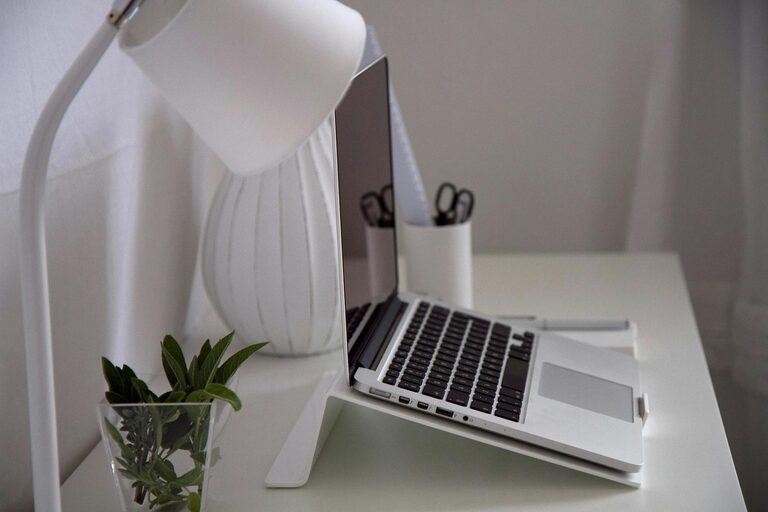
Creating an efficient home office setup is essential for staying productive and comfortable while working from home. Whether you are new to remote work or looking to improve your current space, a well-thought-out setup can make a significant difference in your daily workflow. In this post, we’ll explore practical tips to help you design a home office that supports focus, reduces distractions, and keeps you motivated.
If possible, select a specific area in your home that is exclusively for work. This helps create a clear boundary between your professional and personal life. A spare room, a quiet corner, or even a section of your living room can work, as long as it allows you to focus.
Position your desk near a window to take advantage of natural daylight. Natural light boosts mood and energy, which can improve concentration. Good airflow is equally important to keep you comfortable throughout the day.
Your chair should support your posture, with adjustable height and lumbar support to reduce strain. Sitting correctly prevents back pain and helps you stay comfortable during long work sessions.
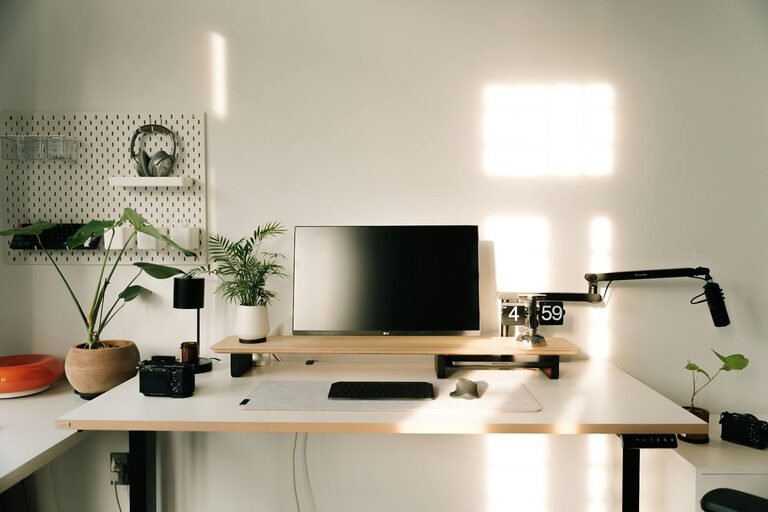
Choose a desk that fits your space and work style. Ensure it’s large enough to hold your computer, notepads, and any other essential items without feeling cluttered. Standing desks or adjustable-height desks are great options if you want the flexibility to alternate between sitting and standing.
Keep your desk tidy by organising papers, cables, and office supplies. A clean workspace reduces distractions and creates a calm atmosphere that encourages productivity.
Incorporate shelves, drawers, or organisers to keep everything in place. Having easy access to what you need means less time searching and more time working.
Ensure your computer, printer, and other devices are up to date and functioning well. Slow or outdated technology can interrupt your workflow and cause frustration.
A fast, reliable internet connection is vital for communication, research, and accessing cloud-based tools. Consider upgrading your internet package or using an Ethernet connection for better stability.
Incorporate elements like plants, artwork, or photos that inspire you. Personal touches can make your office feel welcoming and motivate you to spend time there.
While personalising your space, avoid items that may divert your attention, such as a television or unrelated gadgets. Keep the area focused on work-related tools and décor.
Combine natural light with task and ambient lighting. A desk lamp with adjustable brightness can reduce eye strain, especially during late work hours.
Position lights to prevent glare on your screen. Proper lighting helps maintain comfort and reduces fatigue.
Set regular working hours and breaks to maintain a healthy work-life balance. Consistency improves focus and helps you manage your workload.
Methods like the Pomodoro Technique, where you work for 25 minutes followed by a short break, can boost efficiency and prevent burnout.
Regular cleaning, including dusting and sanitising, promotes a fresh atmosphere and can help reduce allergens.
Incorporate stretches or short walks into your day. Staying active supports both physical and mental health, which in turn enhances productivity.
—
An efficient home office setup is about more than just the right furniture and technology; it’s about creating a workspace tailored to your needs that supports both your comfort and focus. By applying these tips, you can build an environment that helps you work smarter, not harder, from the comfort of your home.